Steps6
- Open Settings.
- Tap Shop info.
- Type your UPI ID (for QR code on bills).
- Type your GSTIN (optional).
- Turn on Enable GST on bills if you are registered.
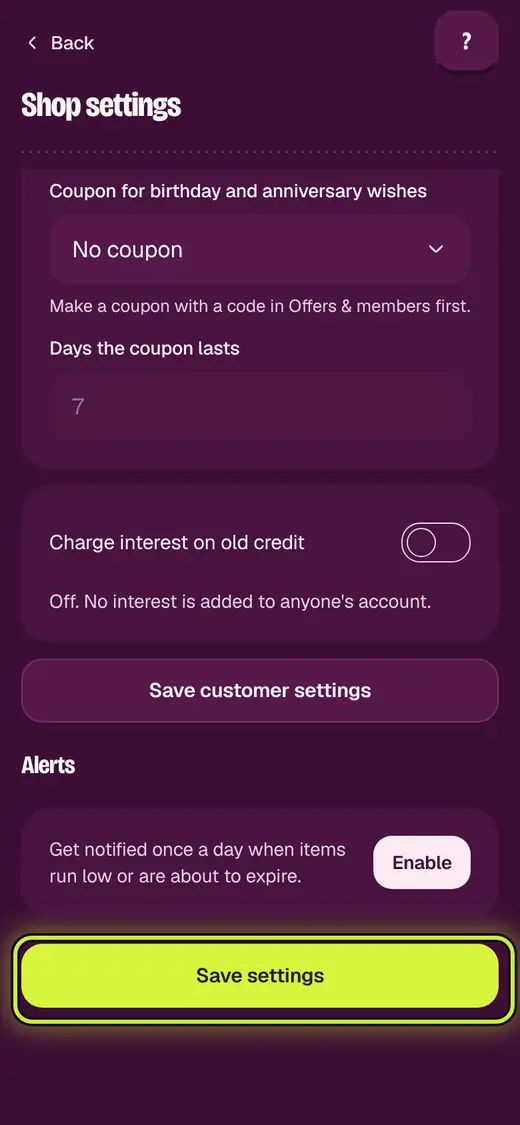
- Tap Save settings.
If it stops you
That doesn't look like a GSTIN: it has 15 letters and numbers. Check your GST certificate.
Good to know
- Your shop name and address print on bills. Change them under Businesses.
Still stuck?
In the app, tap ? on the screen you are on and ask in your own words. Or email support@okount.com. A person replies in writing. Never send your PIN, code or card number.