Steps6
- Open the product, or add a new one.
- Pick the GST rate.
- Save the product.
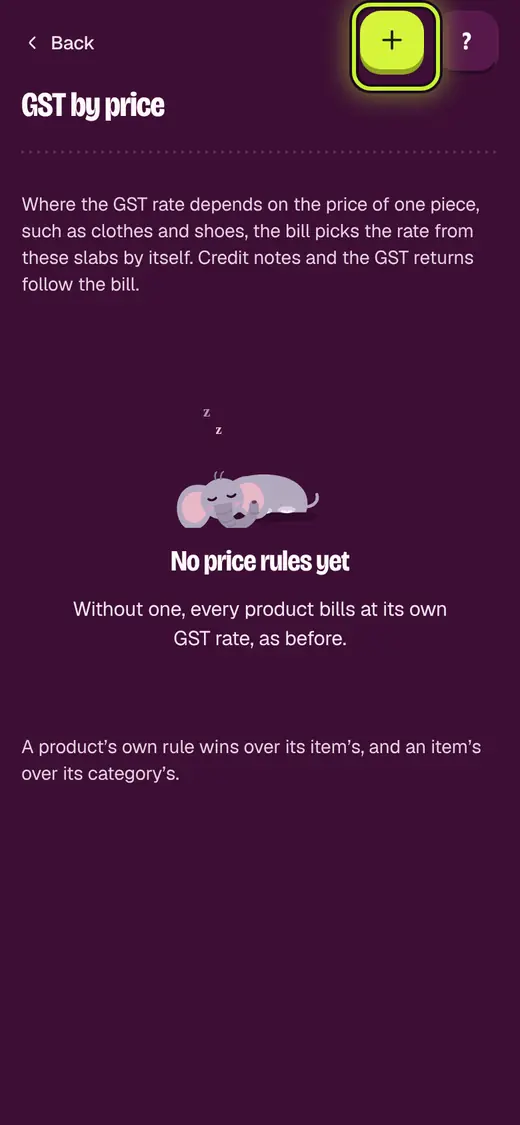
- For rates by price, open Business. Tap GST by price.
- Tap Add a price rule. Add the slabs.
- Tap Save.
Good to know
- Not registered for GST? Leave it at 0%.
- Check rates with your accountant. The app uses what you type.
Still stuck?
In the app, tap ? on the screen you are on and ask in your own words. Or email support@okount.com. A person replies in writing. Never send your PIN, code or card number.