Steps7
- Open Inventory.
- Tap Inventory tools.
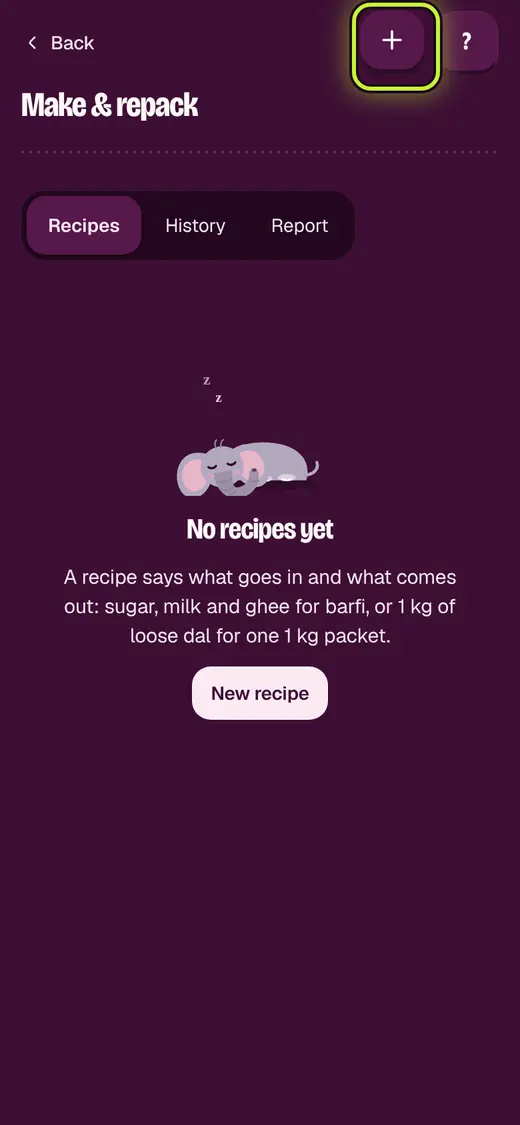
- Tap Make & repack.
- Tap New recipe. Pick Repack or Make.
- Add What it makes and What goes in.
- Tap Save recipe.
- Each time you make it, tap Make.
Good to know
- Inputs come off the shelf. What you made is added at their cost.
Still stuck?
In the app, tap ? on the screen you are on and ask in your own words. Or email support@okount.com. A person replies in writing. Never send your PIN, code or card number.