Steps4
- Open Inventory.
- Search the product.
- Tap it.
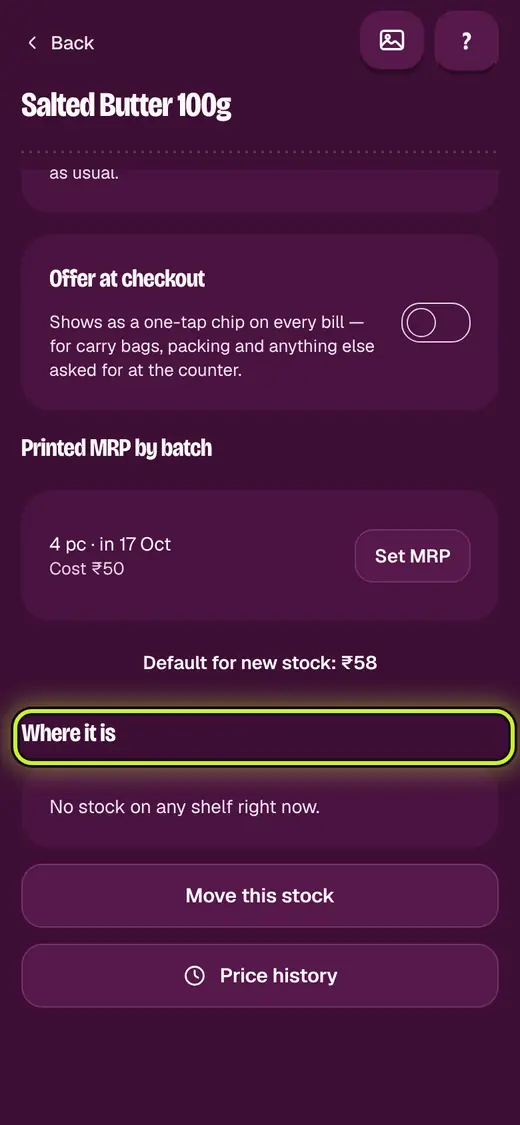
- See On hand, Free to sell and Where it is.
Good to know
- Held for orders is stock kept for orders not yet sent.
- Set a printed MRP with Set MRP. No one can bill above it.
Still stuck?
In the app, tap ? on the screen you are on and ask in your own words. Or email support@okount.com. A person replies in writing. Never send your PIN, code or card number.