Before you start
You need a weighing scale.
Steps6
- Open the loose product.
- Type its Scale number (PLU). Use the same number on the scale.
- Tap Save scale number.
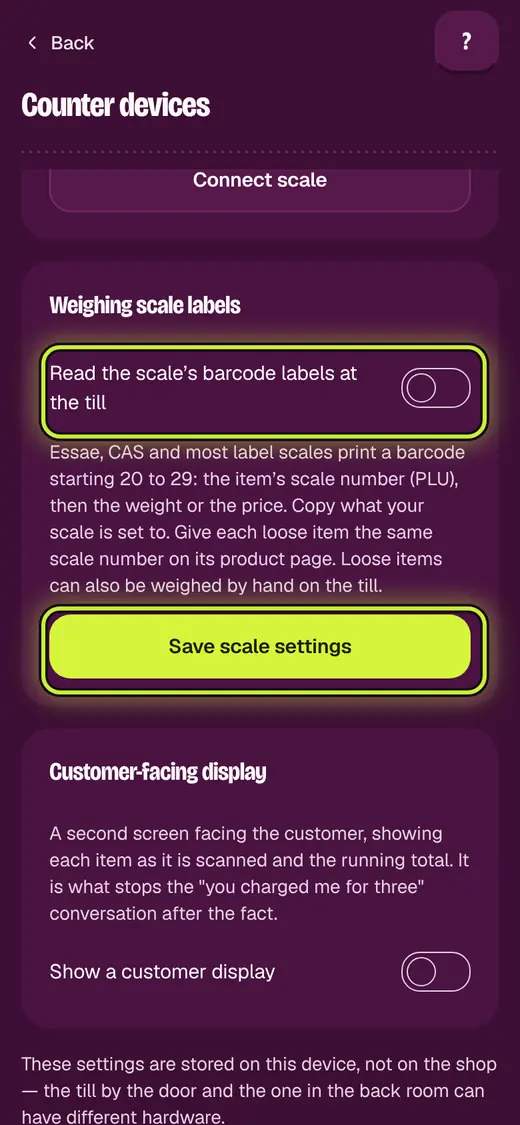
- Open Business, then Counter devices.
- Turn on Read the scale’s barcode labels at the till.
- Copy your scale's settings. Tap Save scale settings.
Good to know
- Use Check a label to test one before you start.
Still stuck?
In the app, tap ? on the screen you are on and ask in your own words. Or email support@okount.com. A person replies in writing. Never send your PIN, code or card number.