Before you start
You need a weighing scale.
Steps5
- On a computer, open Okount in Chrome or Edge.
- Plug the scale's cable into the computer.
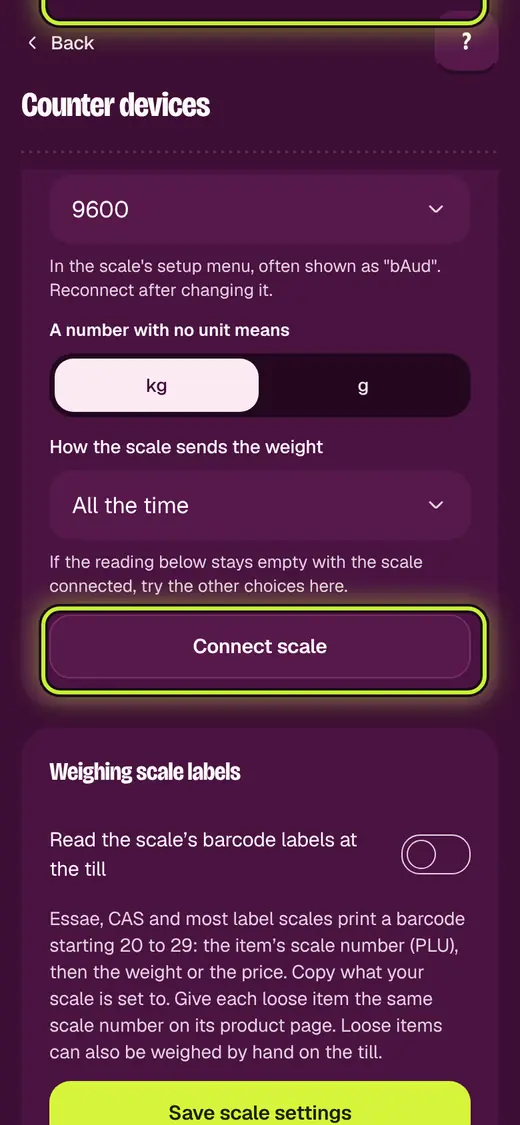
- Open Business. Tap Counter devices.
- Under Weighing scale, tap Connect scale.
- Put something on the pan. Check the weight matches.
If it stops you
Waiting for a reading…: try the other choices on the same card.
On a phone, type the weight on the till instead.
Still stuck?
In the app, tap ? on the screen you are on and ask in your own words. Or email support@okount.com. A person replies in writing. Never send your PIN, code or card number.