Steps6
- Open Business.
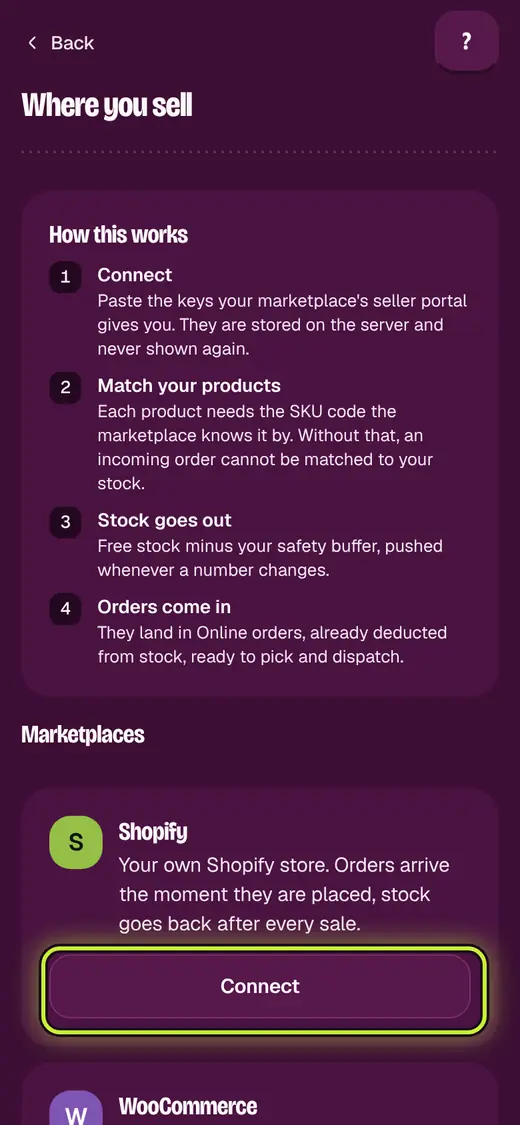
- Tap Where you sell.
- Tap Connect next to the marketplace.
- Paste the keys from your seller account.
- Open Orders tools. Tap Marketplace stock.
- For each product, tap List on a marketplace. Type Their SKU for this product.
Good to know
- Only the shop admin can connect a marketplace.
- No connection? Tap Import order report in Online orders.
- Lines it cannot match show in Items needing a match.
Next
Still stuck?
In the app, tap ? on the screen you are on and ask in your own words. Or email support@okount.com. A person replies in writing. Never send your PIN, code or card number.