Steps5
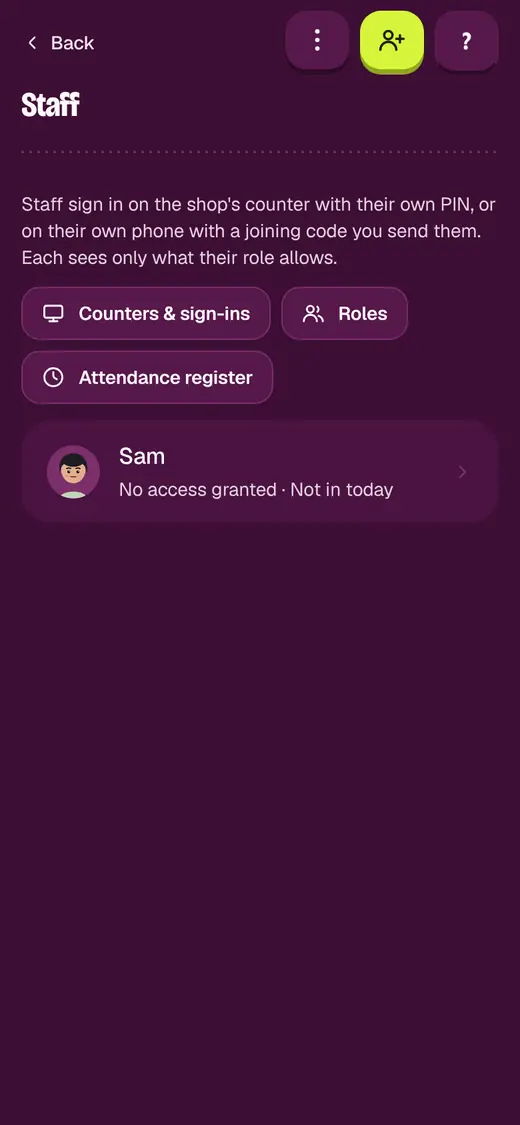
- Open Settings. Tap Staff & permissions.
- Tap the person.
- Tap Edit access.
- Pick a Role.
- Tap Save access.
Good to know
- Pick Custom to set each switch yourself.
Still stuck?
In the app, tap ? on the screen you are on and ask in your own words. Or email support@okount.com. A person replies in writing. Never send your PIN, code or card number.