Steps6
- Open Settings. Tap Staff & permissions.
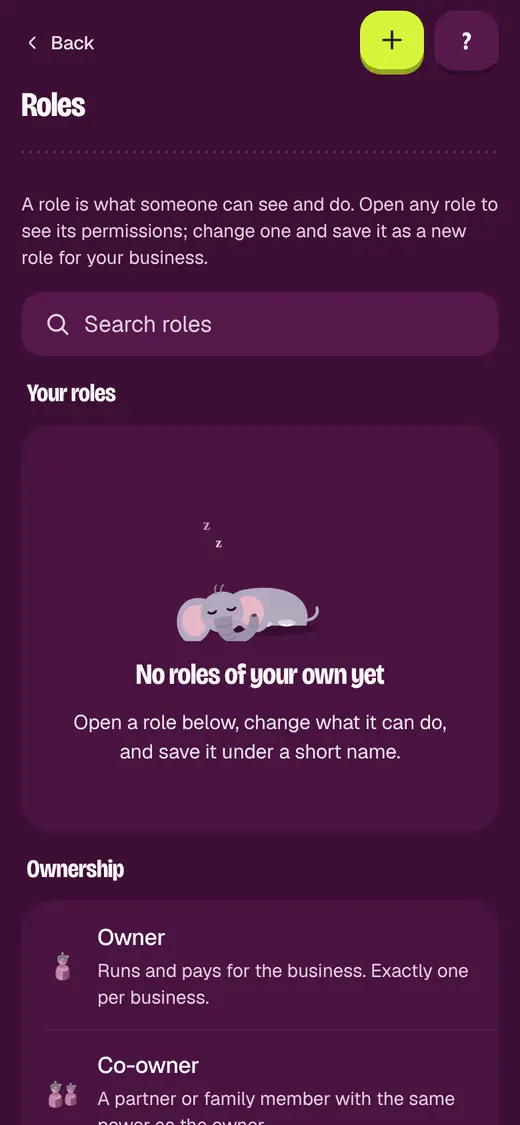
- Tap Roles.
- Open the role closest to what you need.
- Turn on or off what this role can do.
- Tap Save as new role.
- Type a Role name, like Night cashier.
If it stops you
You can only save a role within your own permissions: ask your shop admin.
Good to know
- A deleted role can be brought back for 30 days.
- Then give the role to a person from their page.
Still stuck?
In the app, tap ? on the screen you are on and ask in your own words. Or email support@okount.com. A person replies in writing. Never send your PIN, code or card number.