Steps7
- Open Warehouse.
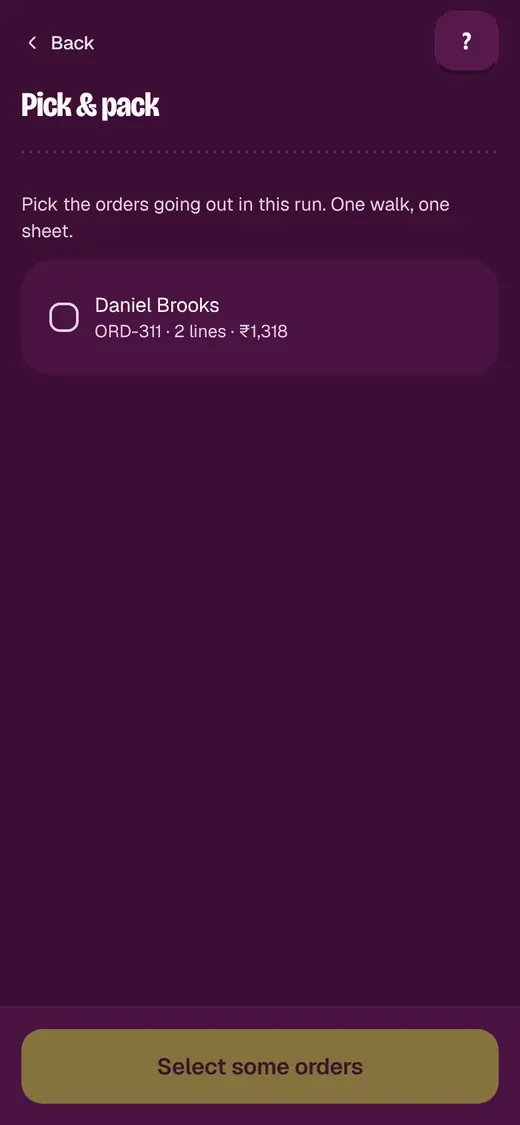
- Tap Pick & pack.
- Pick how many orders go in the wave.
- Tap Make a wave.
- Walk the floor once. Drop each item in its order's slot.
- Tap Everything picked. Go to packing.
- Pack each order from its slot.
Good to know
- An order is in one wave at a time, so two pickers never share it.
- Ticks are saved. Another phone can carry on the same wave.
- Tap Give these orders back to put a wave's orders back on the list.
Still stuck?
In the app, tap ? on the screen you are on and ask in your own words. Or email support@okount.com. A person replies in writing. Never send your PIN, code or card number.