Steps7
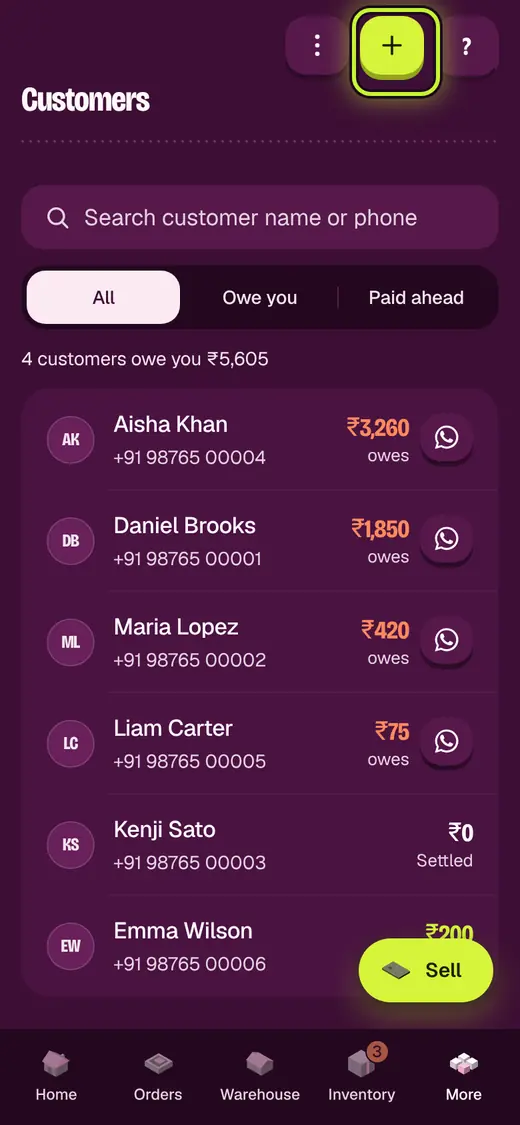
- Open Customers.
- Tap Add customer.
- Tap Upload a spreadsheet.
- Tap Download template and fill it in.
- Tap Choose file.
- Check the rows.
- Tap the add button.
Good to know
- Nothing is saved until you check it.
- Customers already in Okount are not added twice.
Still stuck?
In the app, tap ? on the screen you are on and ask in your own words. Or email support@okount.com. A person replies in writing. Never send your PIN, code or card number.