Steps6
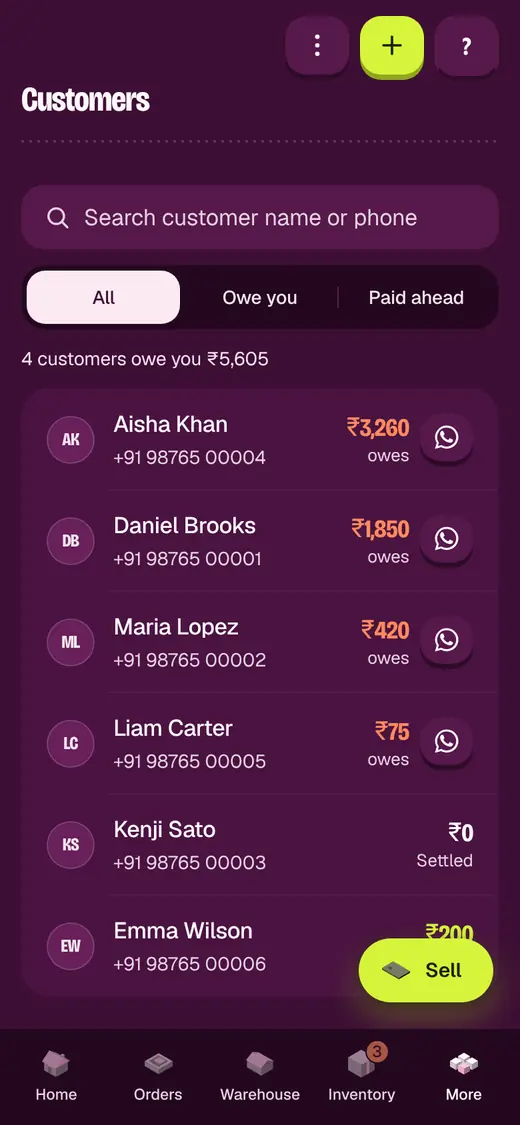
- Open Customers.
- Find Automatic reminders.
- Turn on Send reminders automatically.
- Set Every how many days.
- Set Only if they owe at least.
- Tap Save.
If it stops you
Automatic reminders are paused on your plan: one-tap reminders still work.
Good to know
- Turn it on only for customers happy to get WhatsApp messages.
- To stop it for one customer, untick Include in automatic WhatsApp reminders on their page.
Still stuck?
In the app, tap ? on the screen you are on and ask in your own words. Or email support@okount.com. A person replies in writing. Never send your PIN, code or card number.